> ## Documentation Index
> Fetch the complete documentation index at: https://docs.chatpress.ai/llms.txt
> Use this file to discover all available pages before exploring further.
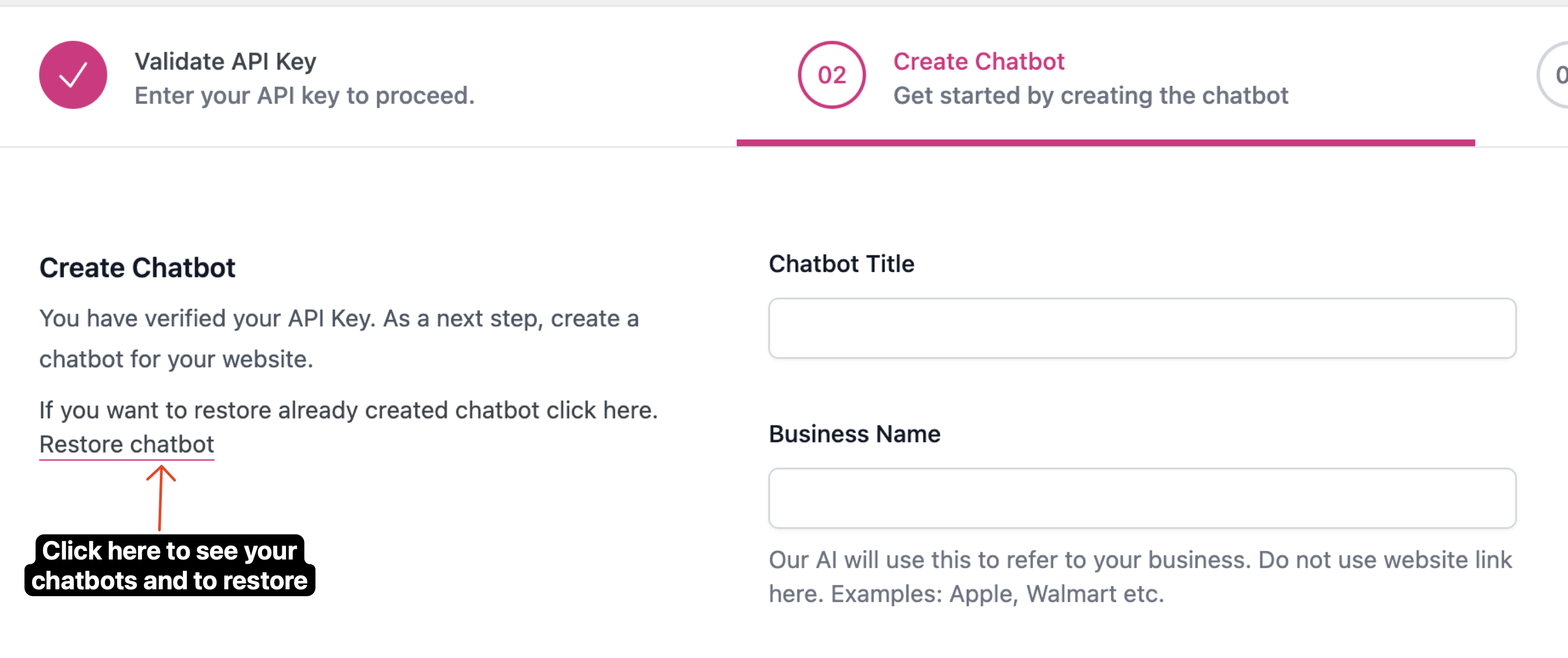
# Create Chatbot
> Create your AI trained chatbot
## Chatbot Properties
This title will appear on top of your chatbot
Our AI will use this to refer to your business. Do not use website link here. Examples: Apple, Walmart etc.
Our AI will recommend this email to your website visitors if required. So make sure you submit a publicly available email address e.g. [contact@yourcompany.com](mailto:contact@yourcompany.com)
The AI bot will obey this prompt while answering your website vistor's questions.
## Restore Chatbot
If you have already created and trained a chatbot and for some reason you need to restore it then you can an option to do so here